No Robot Upgrade Parts on Chemistry Lab


No Robot Upgrade Parts on Chemistry Lab

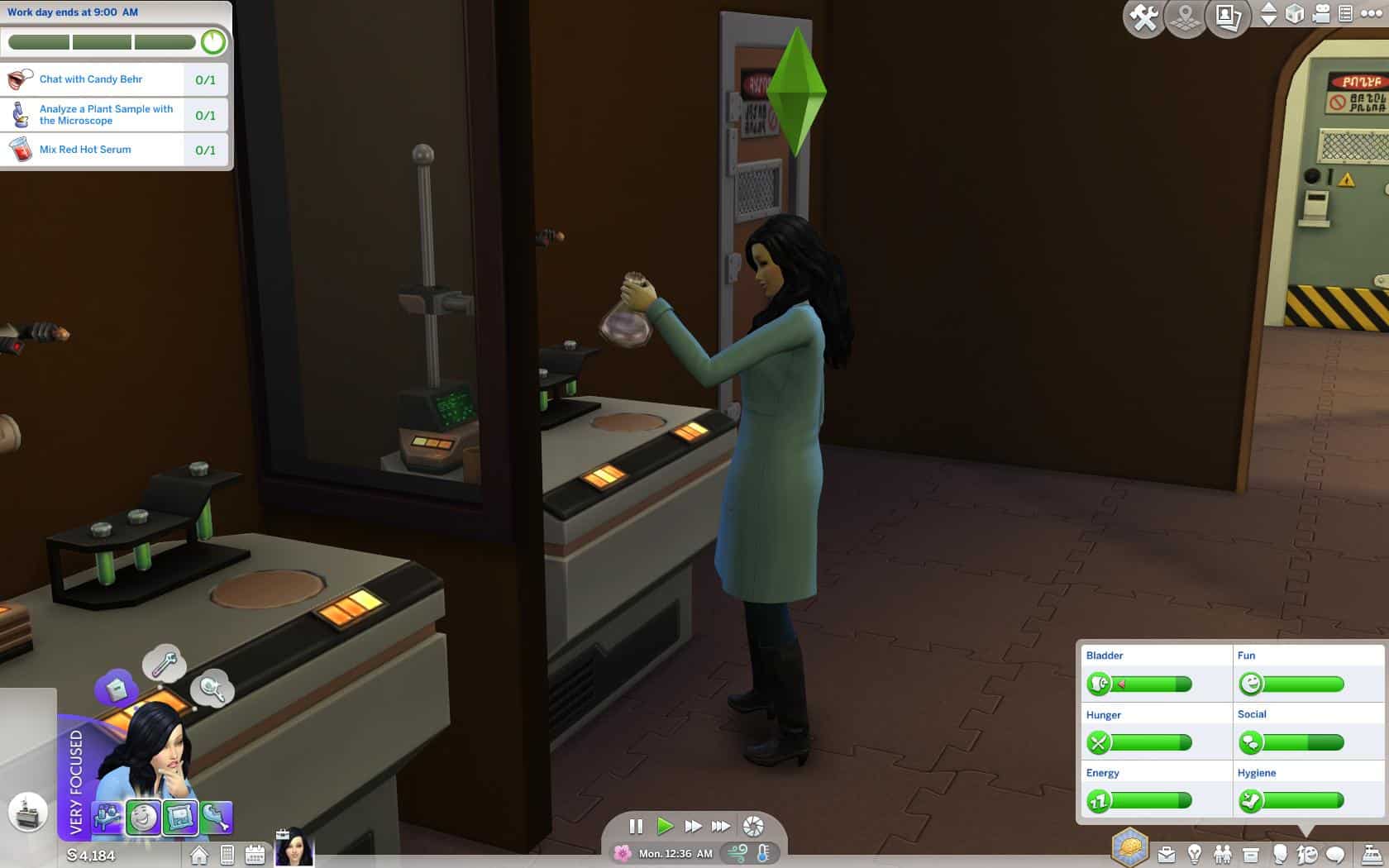
No longer get ANY Robot Upgrade parts while experimenting on the Chemistry Lab!
No longer be spammed with hundreds of Robot Parts while working at the Science Lab or anywhere else!

You will still get them while Tinkering on the Robot workstation and salvaging. Just none from the Chemistry Lab!

Version 1.0 is fully compatible with The Sims 4 version 1.62.67.1020

Compatibility:
This mod is incompatible with any mod that changes the following Tuning file:
0C772E27!00000000!00000000000072D4.loot_ObjectReward_Collectible_Metal.ActionTuning.xml

Install Instructions:
Simply place mod into your Sims4 mods folder.

Updating from previous versions:
* Delete the old package
* Copy in the new package

Credits:
gettp
1 Star2 Stars3 Stars4 Stars5 Stars (3 votes, average: 5.00 out of 5)
Loading...

This content was uploaded by website visitors. If you notice any mistake, please let us know.

What is this mod use for:

Have you ever tried Sims 4 Mods? All advanced players around the globe are fascinated by these additional options, which can solve various occurring issues. If you want to become a leading gamer, Sims 4 Mods can be the key to success and make this happen faster. All you need to do is pick the needed file and simply add it to your game. This provides you with unseen features and enables you to deal with your workload in a smarter way. There are so many different Sims 4 mods on our site that you will need some time to try at least some of them. But it’s definitely worth every second spent because your game is being lifted to the whole new level. Every Sims 4 mod of our database is the highest quality and meets the strictest requirements. This ensures that our visitors get access only to the most exclusive and useful files. One of the best things we can offer for our visitors is unlimited access to the vast variety of extra files, which provides a wide range of benefits. It’s a significant surplus which is essential in being competitive. If that is your main goal, you should definitely try at least one file.


Useful Information:
- Do you need any help? Join Sims 4 Modding Discord
- How to Install Sims 4 Mods
- Sims 4 Studio Download
- Sims 4 Mod Manager
- Sims 4 Mod Conflict Detector
- Sims 4 Modding guide / How to Make a Sims 4 Mod
- Sims 4 System Requirements
- How to Uninstall Sims 4 Mods
- Sims 4 Cheats

You may also like...

Leave a Reply

Your email address will not be published. Required fields are marked *